

Wantek WK882BT Review: 2 Weeks of All-Day Calls from Home
After two weeks of 30+ calls a day, 8 hours a day: this headset earns its keep. The mute button has a workaround quirk, and the charging dock alignment is fiddly. But at €49.95, nothing I found came close to matching it on build quality and mic clarity.
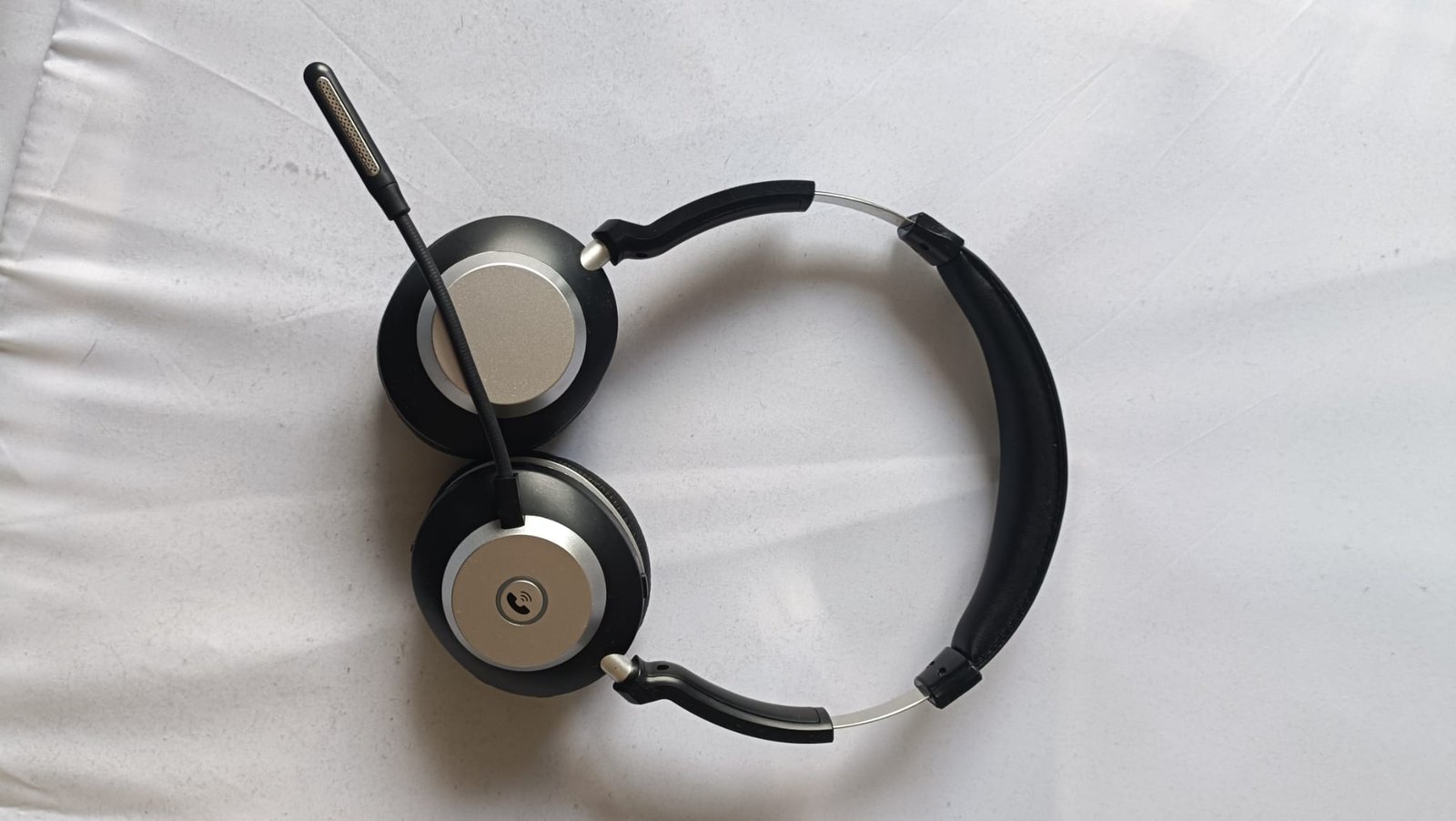
I take 30+ calls a day at home for a bank, 8 hours a day, 5 days a week, always with a headset. This review is based on that routine — not weekend use. I paid €49.95 on Amazon on 9 March 2026. My previous headset, a Jabra Evolve 20 SE, cost around £80.
What’s in the Box
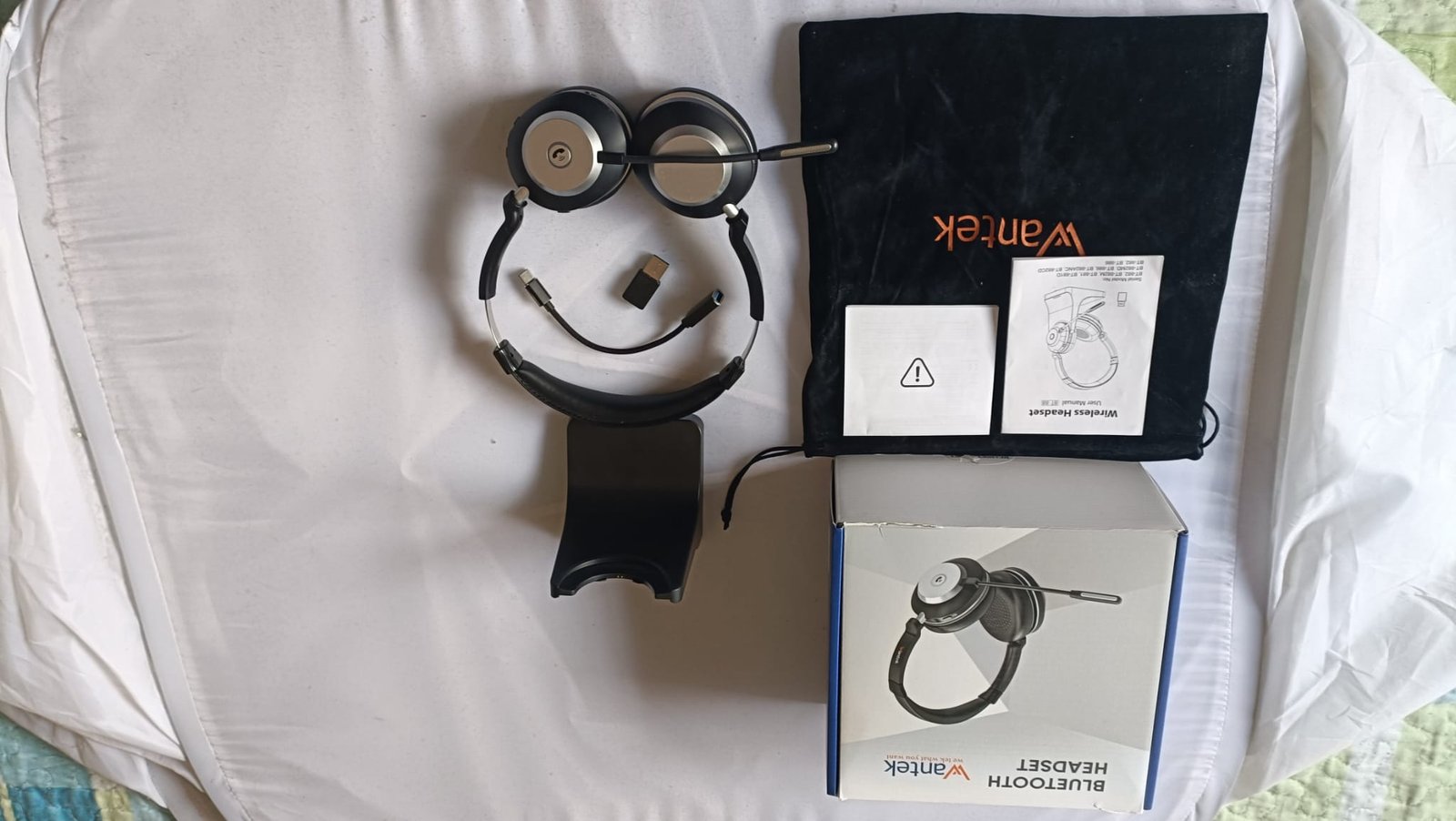
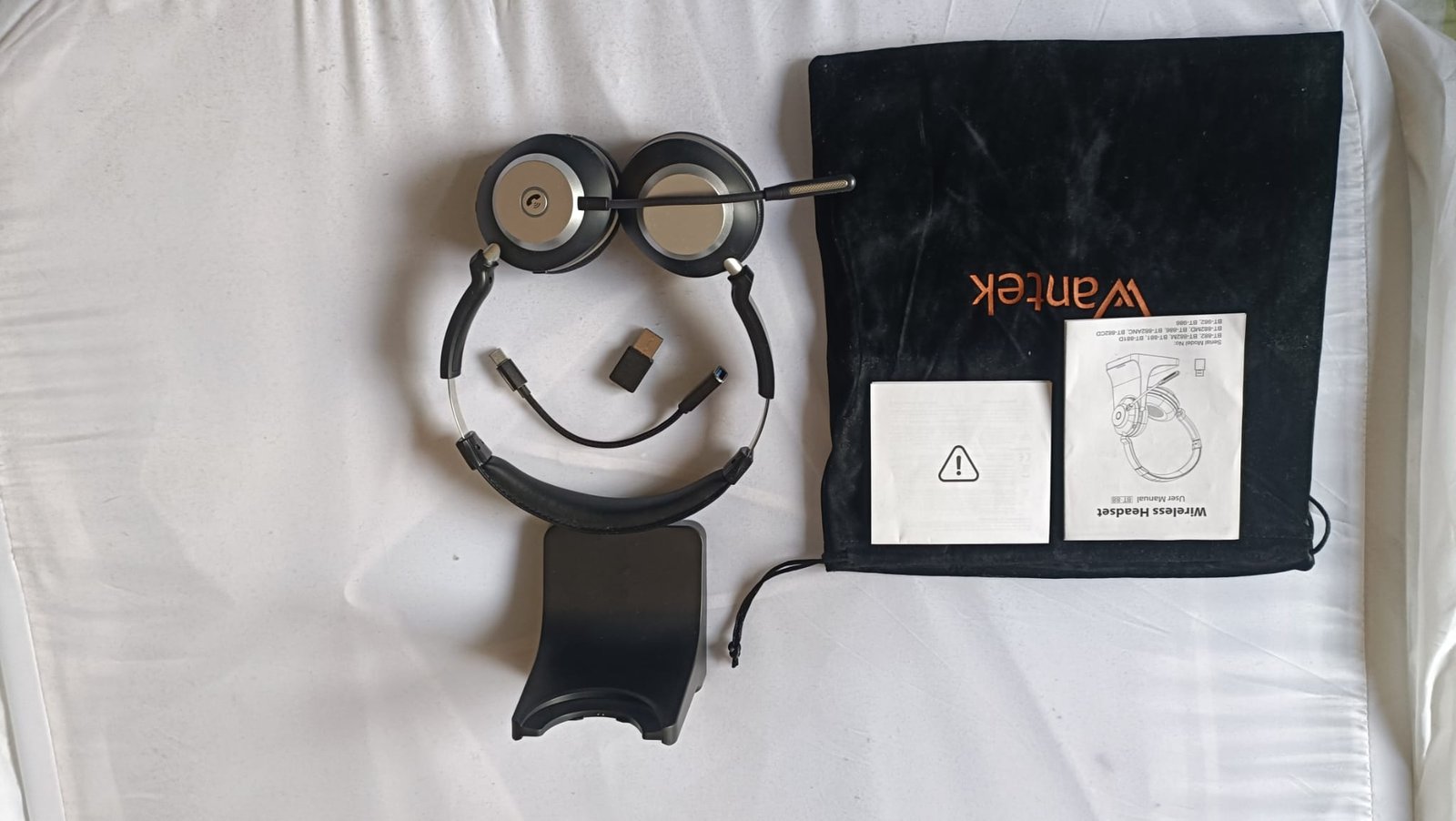
Packaging is plain but secure. The box includes the headset, USB dongle, USB-C-to-USB-A adapter, charging dock, and faux-suede pouch. The pouch is handy for commuters or office movers — it keeps things from getting scratched in a bag.
Build Quality
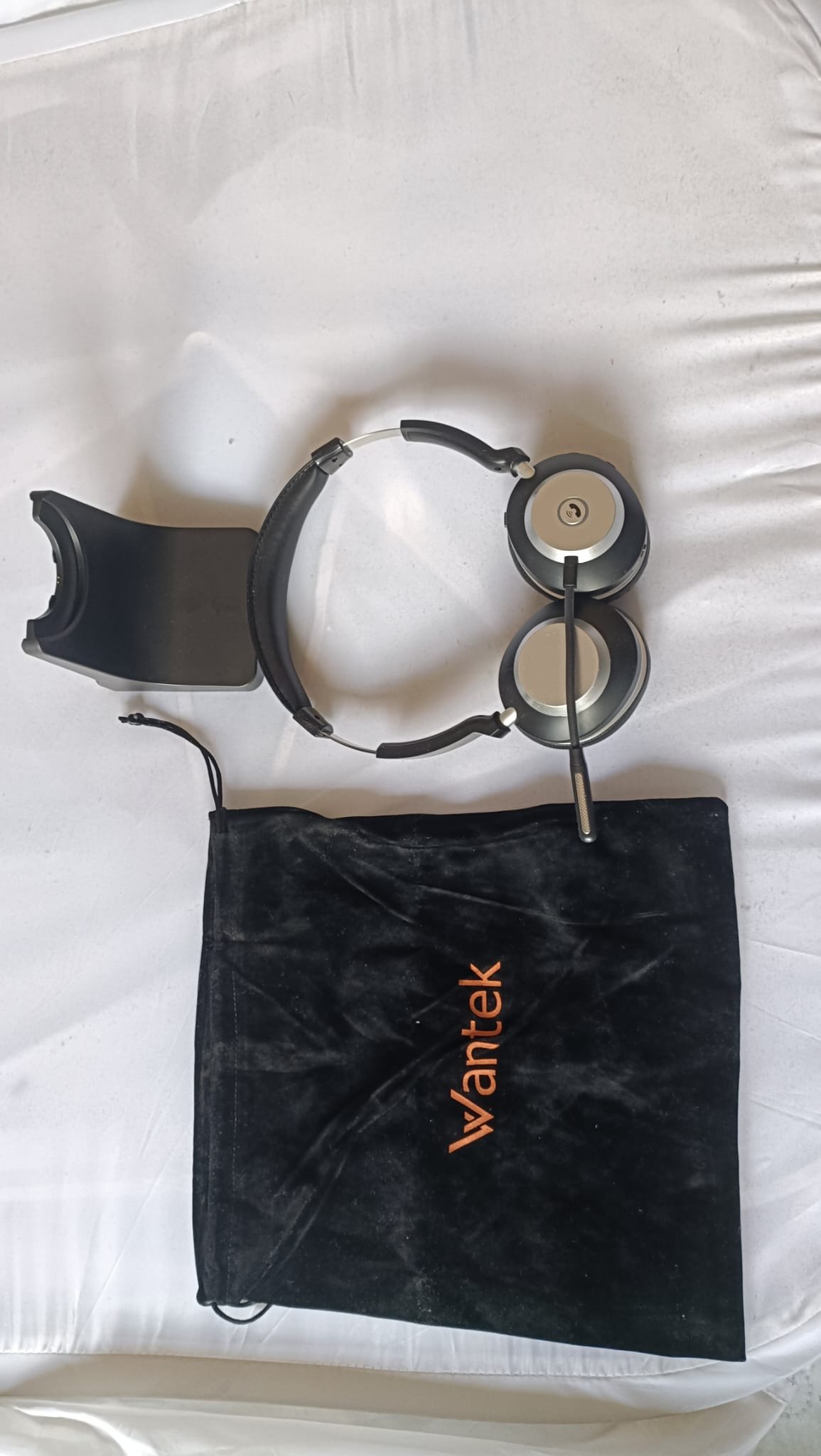
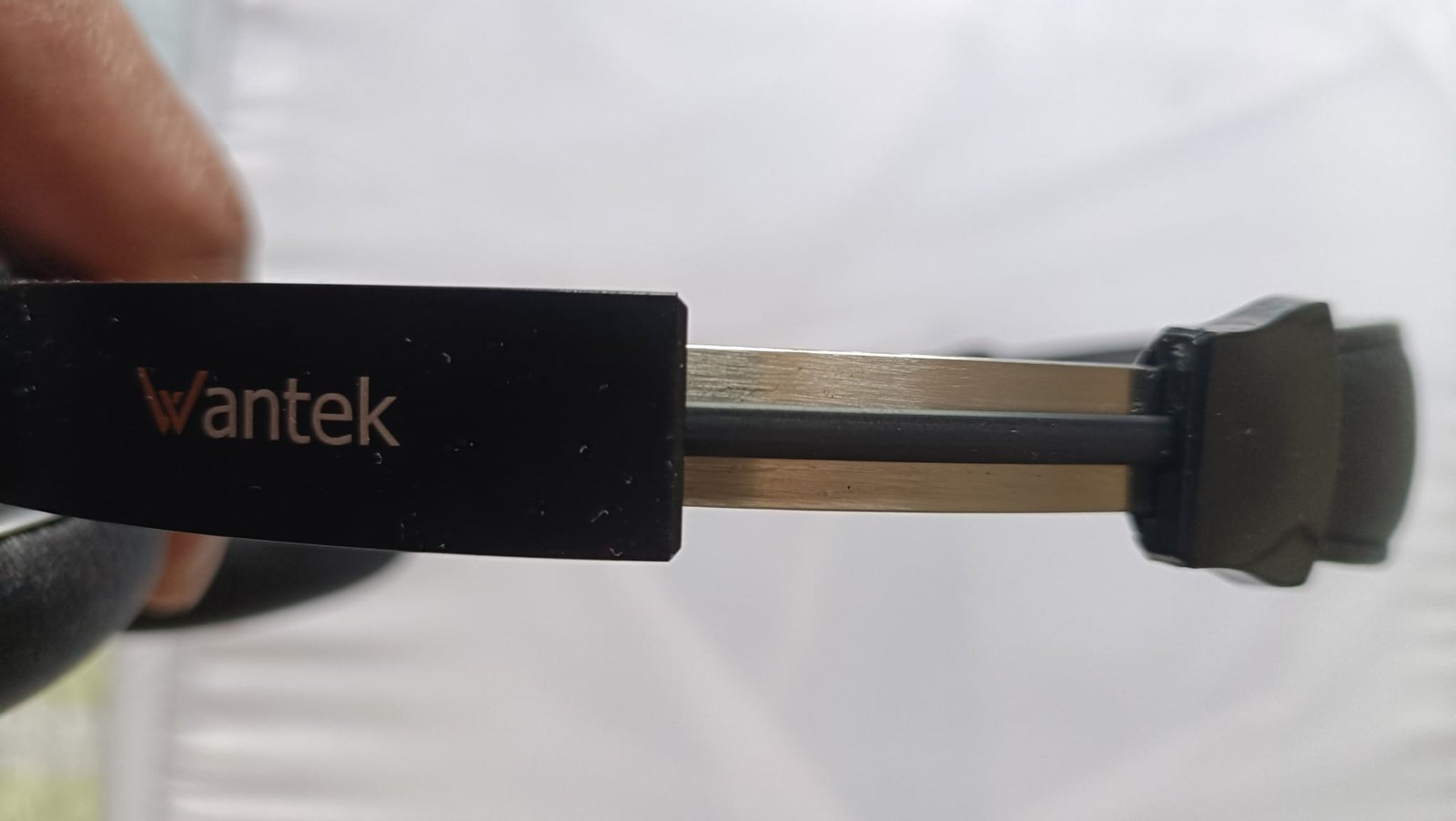
The headband is metal, which is impressive at this price. The top half has soft faux-leather padding, while the lower sections are sturdy plastic with Wantek branding. My son, who often buys his equipment from Temu and knows what “cheap” feels like, picked it up and remarked: “It feels expensive.”
The Jabra Evolve 20 SE felt fragile, but the Wantek, at nearly half the price, feels sturdier. I’ve repeatedly pulled on the adjustable arms, and nothing creaks. The USB dongle, adapter, and charging dock also feel solid.
The Bigger Head Problem
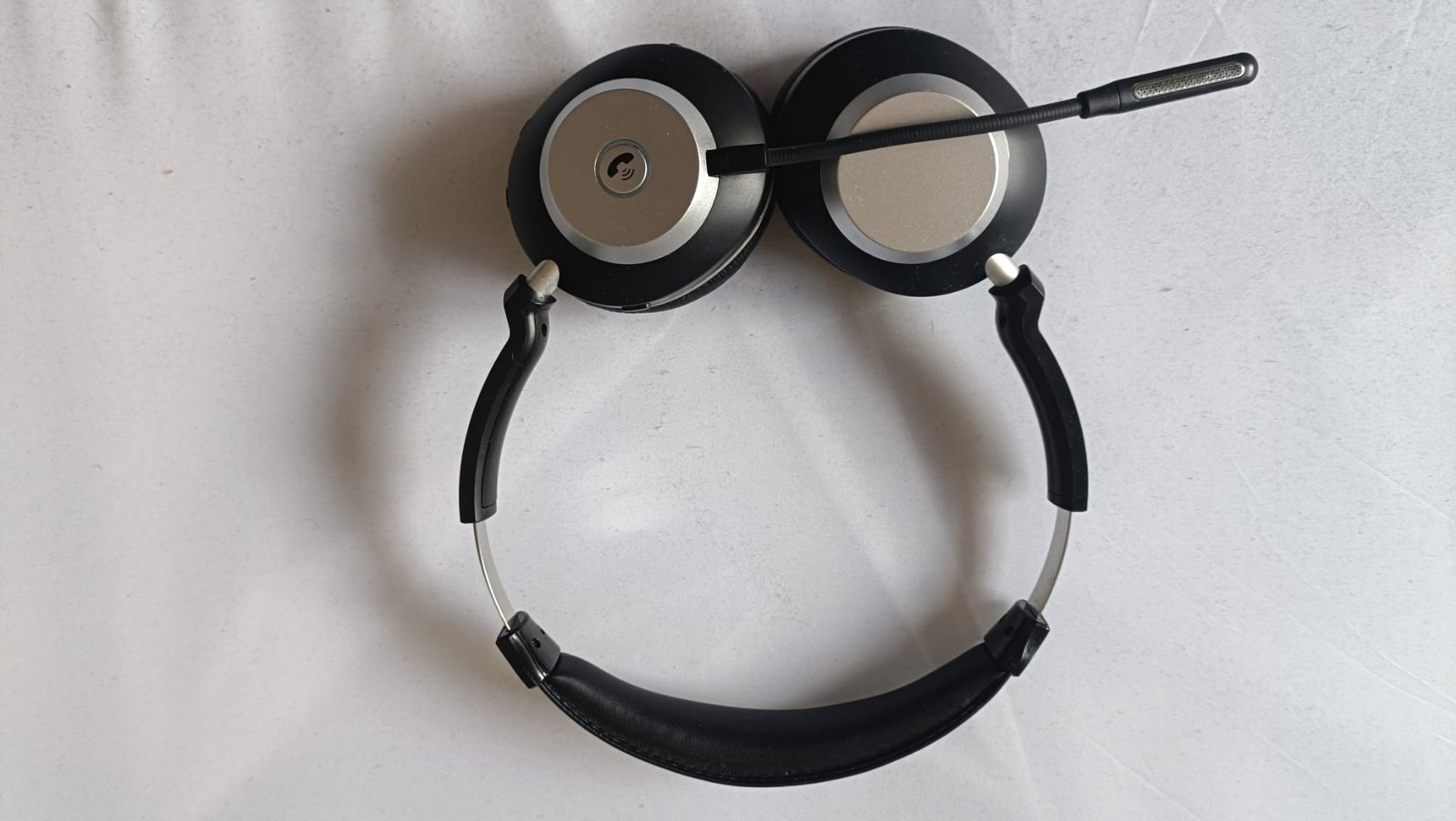
The metal headband lacks flexibility, so the ear cups press inward more than plastic ones on larger heads. I extended the arms a notch to ease the pressure, but the headset sometimes slips off while walking. It has fallen twice, resulting in only minor scratches — which actually highlights the build quality. If you have a larger head, consider trying before buying or be prepared to return it.
Setup
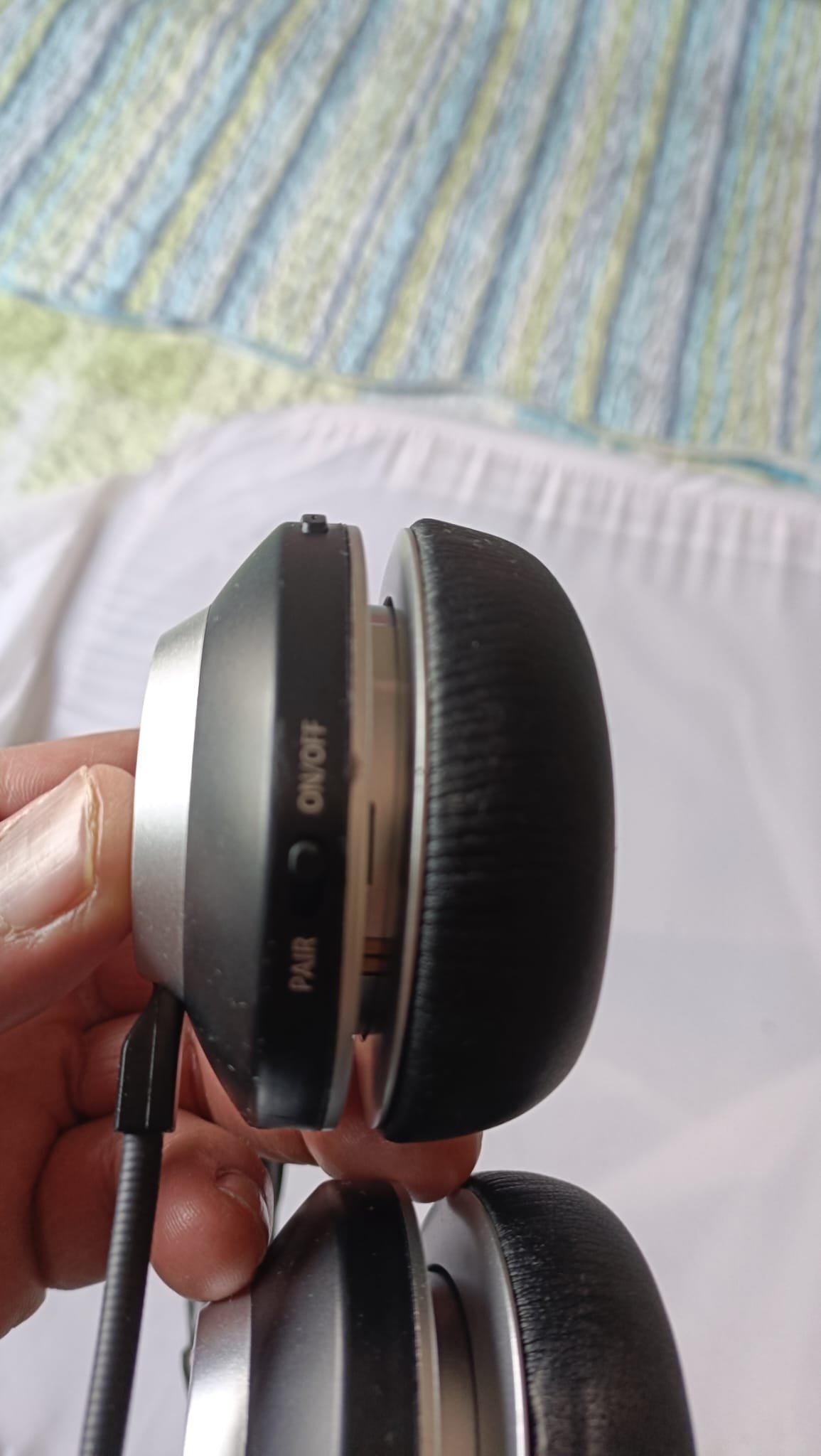
I plugged the dongle into my Windows 11 PC, turned the headset on, and it worked after installing the drivers. No software or pairing needed beyond that. Minutes from the box to use.
The Mute Button Problem
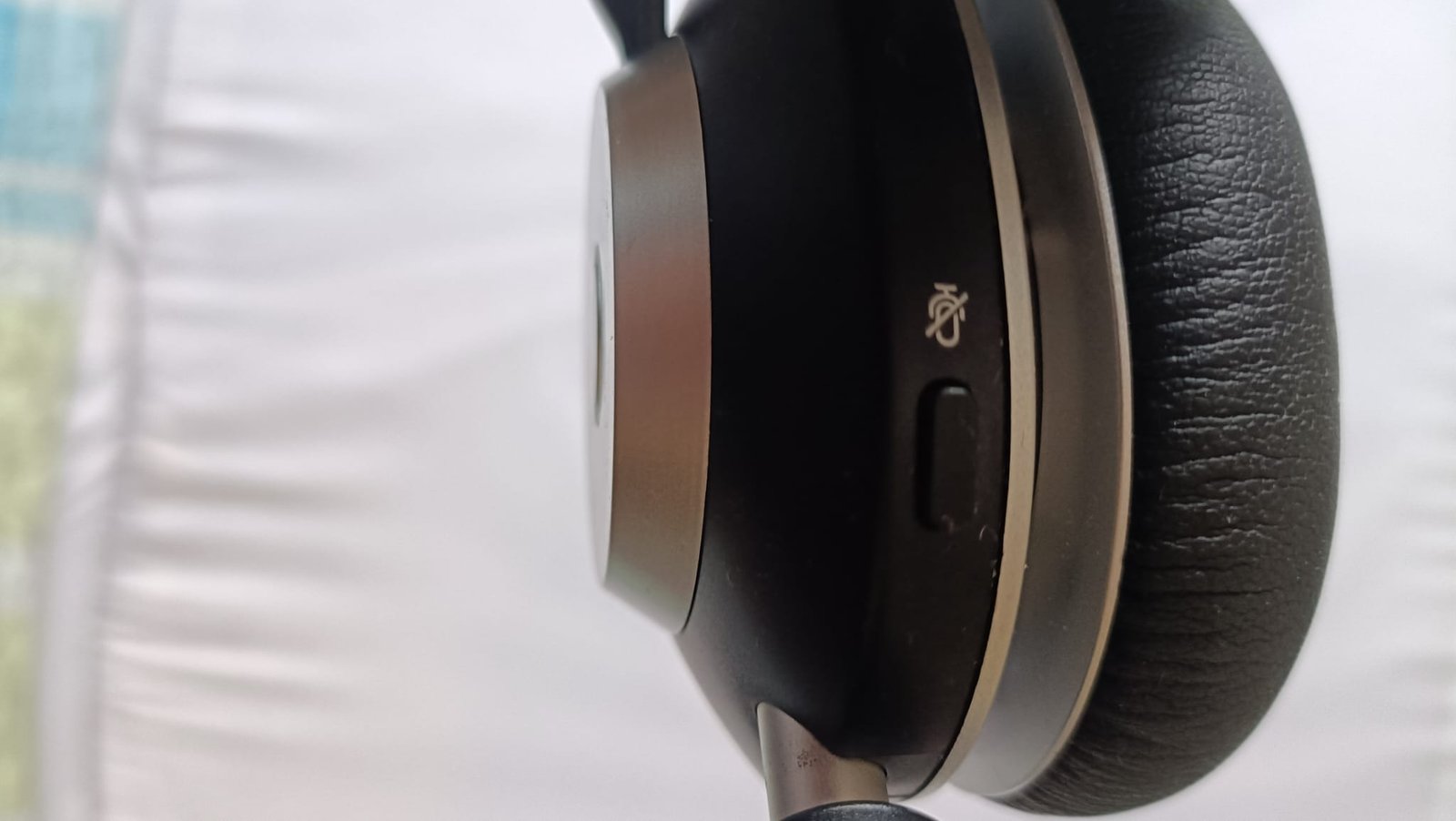
My calls automatically connect through Avaya — I don’t have to press anything to answer. This makes the mute button critical. If I’m talking to someone in the house when a call connects, the customer will hear everything.
The mute button didn’t work during setup. It still doesn’t work natively on a dongle connection.
I found a workaround: keep Windows Sound Settings open but not minimised, then click another app. The mute button will work as long as Sound Settings remains open. This isn’t in the documentation, but it’s worked every morning for two weeks.
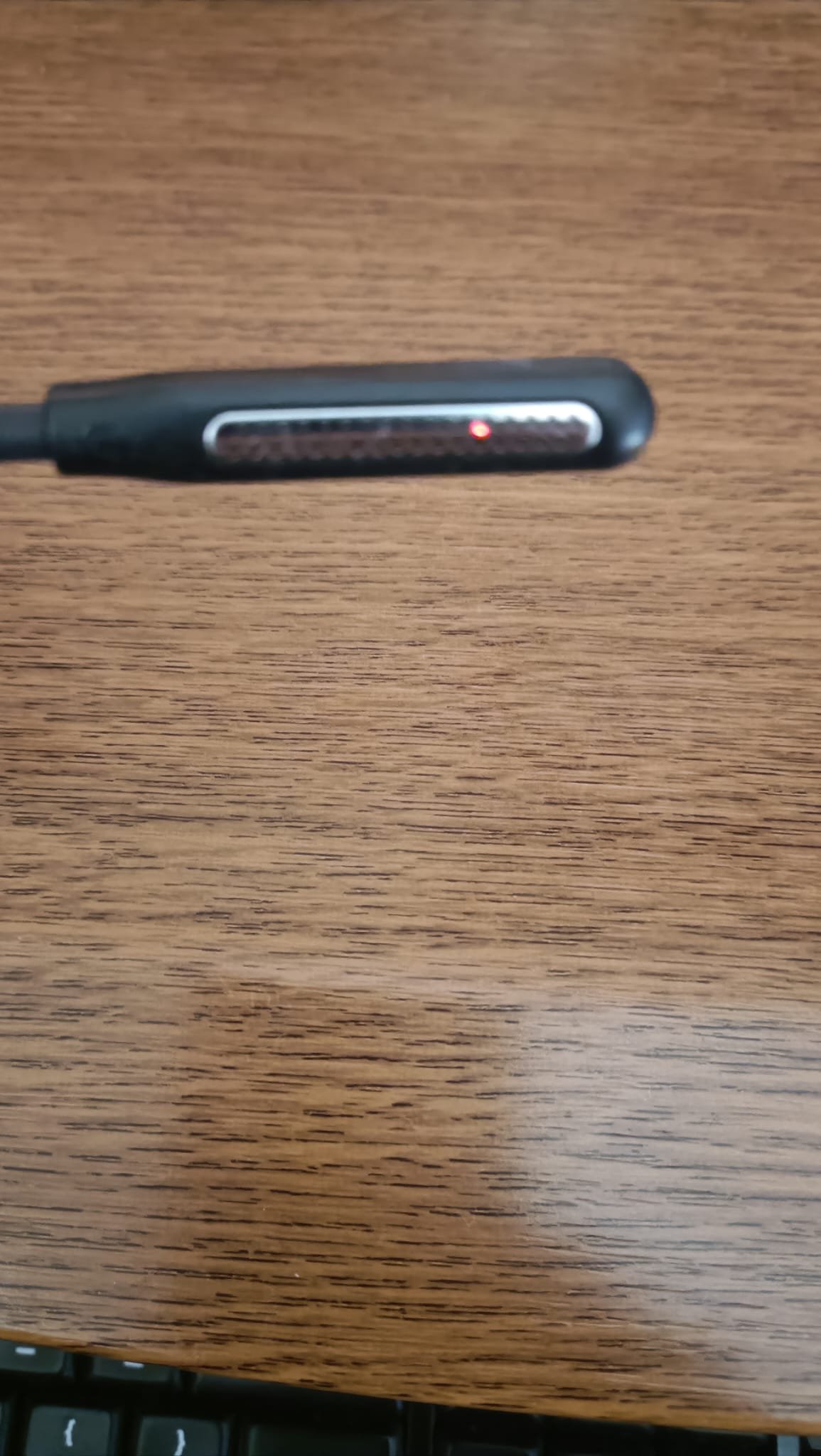
When muted, an orange light shows inside the microphone boom, and a voice tells you you’re muted. Both helpful. In Microsoft Teams, the mute button works normally — the issue only affects system-level audio via the dongle. If you can’t live with that workaround, this headset may not be for you.
Sound and Microphone
Call audio is clear and well-suited for voice work. It’s fit for purpose, though there’s nothing particularly standout beyond that.
I ran a rough comparison: called a colleague on the Jabra, then called again on the Wantek. They said the Wantek sounded clearer. The Jabra was on its last legs, so the comparison isn’t perfectly fair — but the Wantek mic handles all-day call work without complaint from anyone on the other end.
I also connected the headset to my TV via a Fire TV Stick for an evening. Dialogue remained clear, and the ear cups blocked a reasonable amount of room noise.
Bluetooth Range
I walked out to the garden to hang washing during a call. No crackling, no dropouts. For a dongle connection, that’s better than I expected.
Dual Bluetooth: Don’t Bother
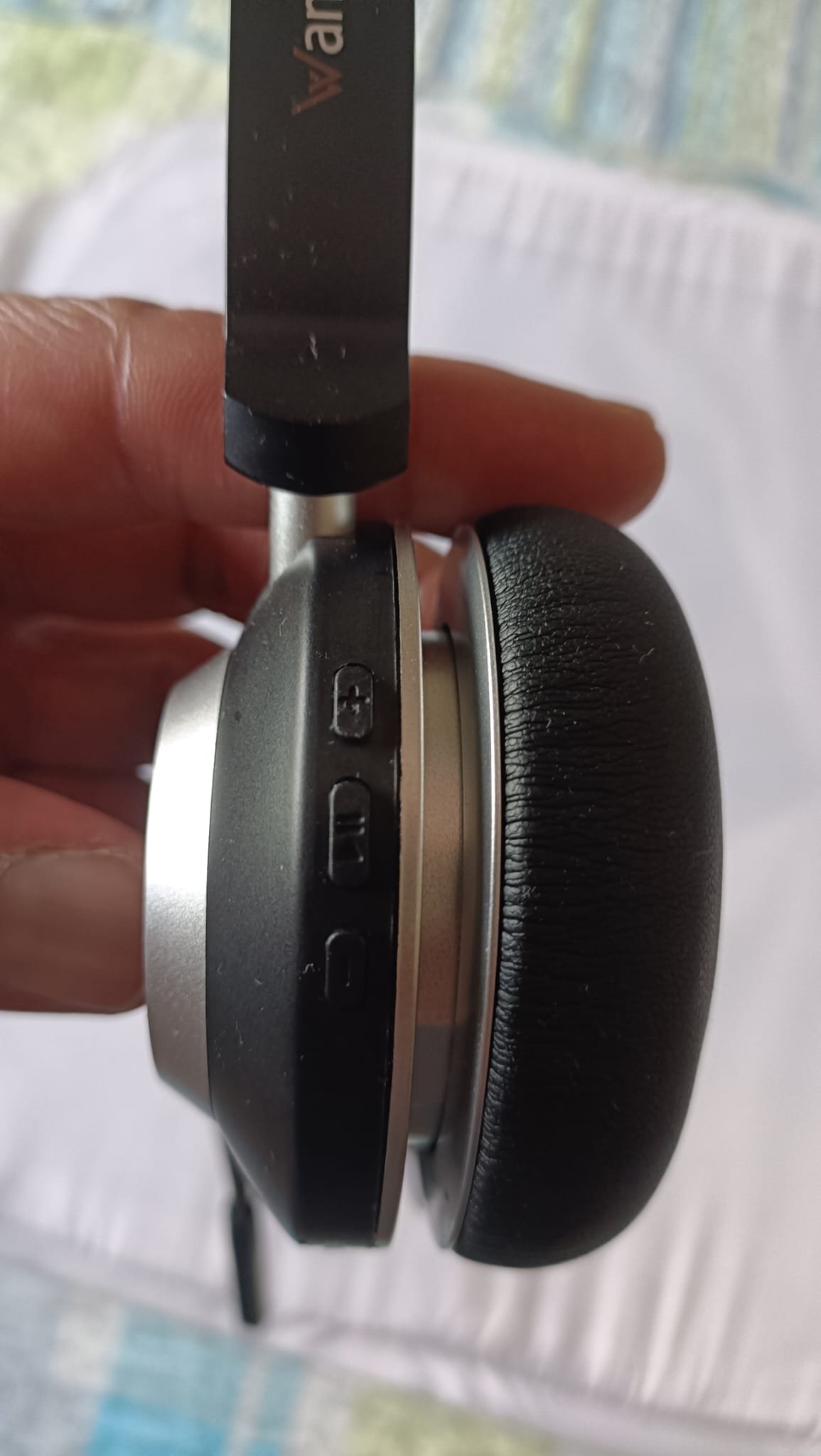
The headset supports two Bluetooth devices. After connecting my Fire TV Stick, calls were silent the next workday — even though settings and charging looked fine. I later found that you must press the left ear cup call button to switch audio back to the PC. This isn’t clearly documented.
I’ve since only connected it to my work PC, with no further issues. For reliability, I recommend this approach.
Battery Life
The charge lasts as claimed. I charge it once at the weekend and again midweek, and I’ve never had a low-battery warning. Moving from wired to wireless was my main concern going in, but battery life hasn’t been an issue. When the battery is running low, you get a verbal warning — useful.
The Charging Dock
The dock looks fine and charges when seated, but alignment is tricky. The connectors are small, so you end up jiggling the headset to get contact — which over time could cause wear. I now charge directly by cable: neater and more reliable.
Comfort Over a Full Shift
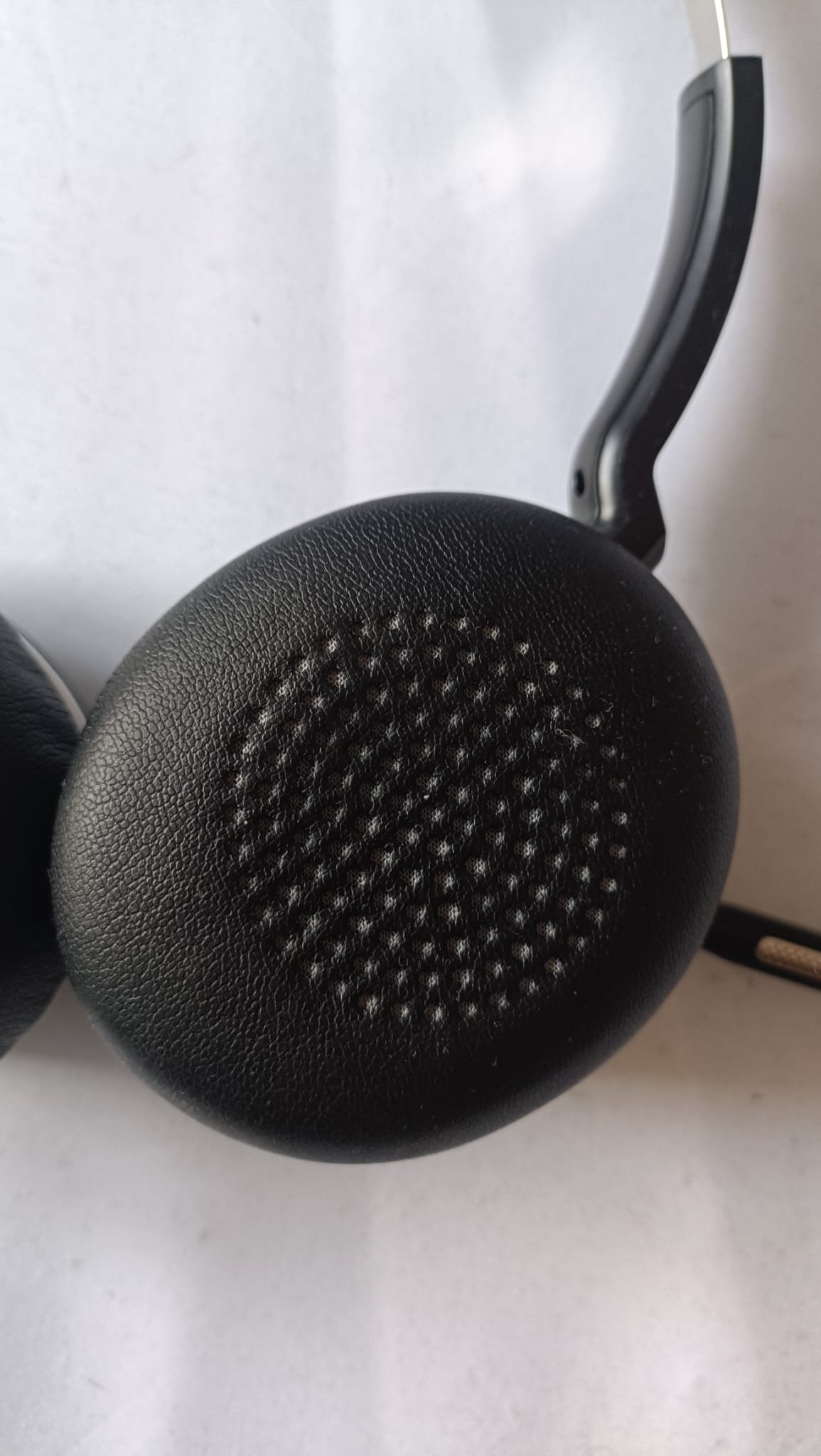
After eight hours, my ears become hot — but this is typical of every over-ear headset I’ve used, so I don’t fault the Wantek for it. The cushions are soft and well-padded. Side pressure from the metal headband is noticeable on larger heads, though not painful.
Pros and Cons
What Works
- Metal headband feels premium at this price
- Mic clarity is cleaner than a Jabra Evolve 20 SE in direct comparison
- Strong Bluetooth range — garden distance with no dropouts
- Battery lasts all week with mid-week top-up
- Verbal mute confirmation and red LED indicator
- Velvet carrying pouch included
- Works natively in Microsoft Teams
What Doesn’t
- Mute button requires a workaround for system-level dongle audio
- Metal headband has no flex — uncomfortable on larger heads
- Charging dock alignment is fiddly; direct cable charging is better
- Dual Bluetooth device switching is unclear and undocumented
- Can slip off when walking at extended arm settings
Who This Is For
Home workers doing calls in customer service, sales, or support will get the most out of this. For €49.95, the build, battery, and mic clarity are genuinely competitive. It replaced a headset that cost almost twice as much and performs better for what I need it to do.
Skip it if you have a larger head and can’t try it first. Also skip it if you need native mute on the USB dongle without workarounds, or if you plan to regularly switch between two Bluetooth devices.
Verdict
4 out of 5. The mute button quirk is frustrating, and the charging dock alignment is an annoyance. But after two weeks of heavy daily use, there’s been no decline in quality. It performs exactly as required for all-day call work, and I haven’t found a reason to return it.
Bottom line: For home call workers who need a reliable, well-built wireless headset without the Jabra or Poly price tag, the Wantek WK882BT is hard to beat at €49.95. I would buy it again.